


 MATLAB Logo PNG
The modules’ plateaus and plots’ peaks are visible in the MATLAB logo. The emblem looks like a real object, showing the virtuoso work of programs that can perform accurate calculations, process data, and create algorithms.
MATLAB originated in the late 1970s, when Cleve Moler sought to give students direct access to LINPACK and EISPACK without Fortran-based batch workflows. He wrote an interactive matrix tool in Fortran with a small command set and no full programming layer.
After a 1979 demonstration, MATLAB spread informally across universities as Moler shared copies during visits. The program gained traction among engineers who needed faster iteration than mainframe cycles allowed.
In the early 1980s, Jack Little identified commercial potential. Together with Steve Bangert, he rewrote MATLAB in C, introducing user-defined functions, graphics, and an extensible structure.
On December 7, 1984, they founded MathWorks. The first commercial release, PC-MATLAB, launched that month, with early sales including an order from MIT.
In 1985, Pro-MATLAB for Unix expanded the user base. The Control System Toolbox marked the start of a modular strategy, followed in 1987 by the Signal Processing Toolbox and built-in numerical solvers.
In 1990, MathWorks released Simulink, a graphical environment for modeling dynamic systems without code. It became widely adopted in aerospace and automotive engineering.
In 1994, Moler addressed the Pentium division flaw with a software workaround. In 1996, MATLAB 5 introduced cell arrays, and in 1999, it added object-oriented programming.
The company expanded internationally, acquiring Cambridge Control in 1996 and forming MathWorks Ltd. by 2000. Competing tools like GNU Octave appeared, but MATLAB retained users through its integrated environment and toolbox ecosystem.
Meaning and History
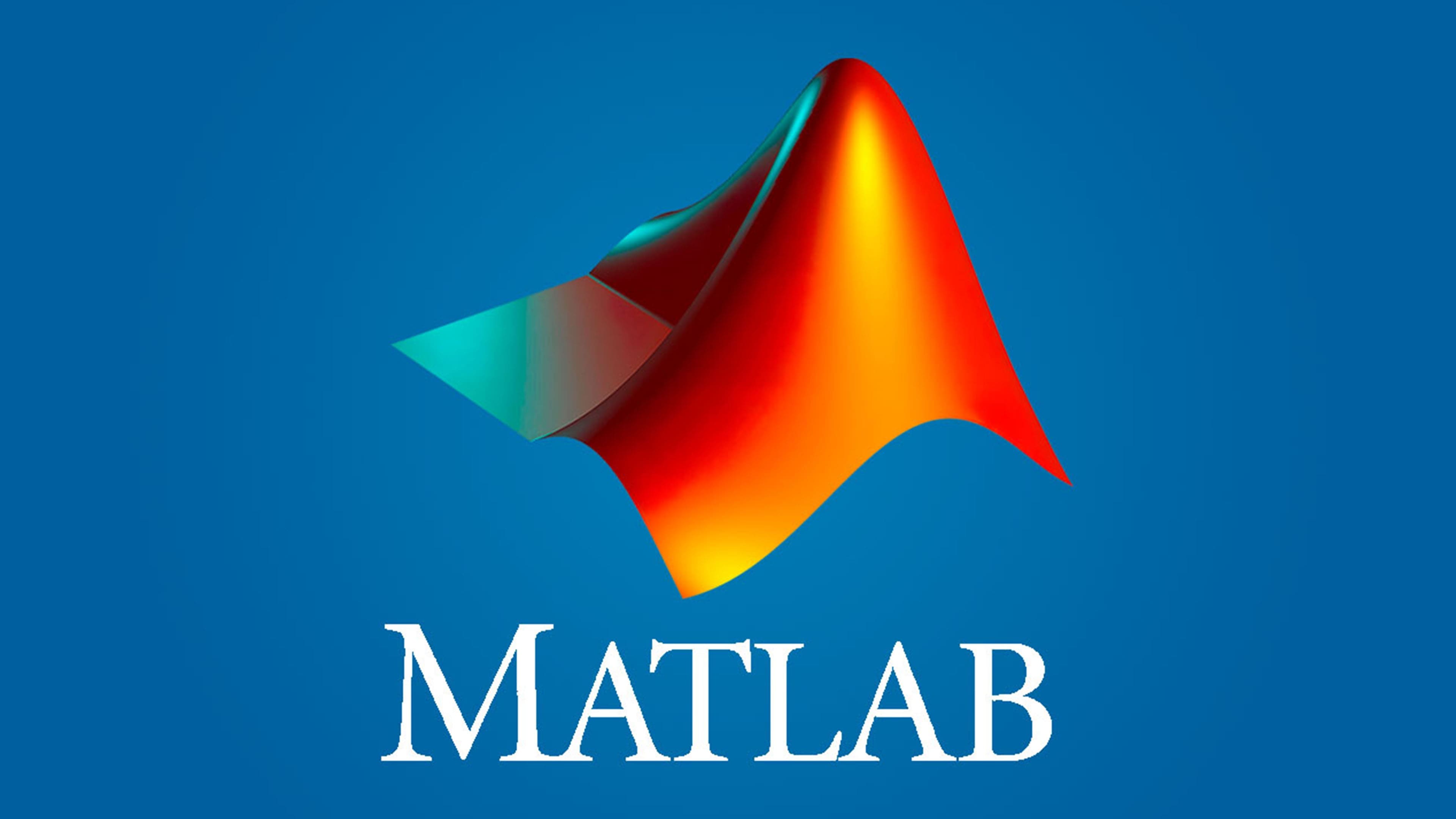
The brand logo was created in MATLAB. The original shape, generated by a mathematical algorithm, was created using the “membrane” command. She had several versions that had been used for 20 years. But it became the official emblem relatively recently. Then the registered trademark symbol appeared next to it.
The signature MATLAB graphic is a 3D L-shaped membrane, an eigenfunction of the wave equation. It represents wave propagation through matter. This clearly demonstrates what the company offers.
What is MATLAB?
MATLAB is shorthand for Matrix Laboratory. It is a set of interconnected modules for performing technical calculations. This mathematical software is intended primarily for scientists and engineers.
Light from an invisible source hits the figure. The mirror surface reflects bright rays. A metallic gradient creates this effect on an orange background. The copyright holder permits monochrome versions when a low-resolution print cannot accurately reproduce the full-color logo.
Font and Colors

The company name is written to the right of the L-shaped membrane. All letters in “MATLAB” are capitalized, but the “M” is larger than the rest. The font features sharp, sweeping lines and long serifs. The base color is light blue.
FAQ
What is the MATLAB logo?
The logo has a unique convex shape based on the wave equation. This design represents the brand’s connection to mathematical modeling and computational tools. The uneven front lighting gives it a dynamic, three-dimensional look.
The golden-brown logo gives it a professional, sophisticated appearance. This color choice reflects the brand’s focus on delivering powerful, reliable software for engineers, scientists, and researchers.
Where is the MATLAB icon stored?
To find the MATLAB icon on your computer, follow these steps:
- Open Program Files: Go to C:\Program Files.
- Find the MATLAB Folder: Look for the folder labeled with your MATLAB version number, such as R2023a.
- Open the Bin Folder: Inside the MATLAB folder, open the bin directory.
- Select the Architecture Folder: Open the win32 or win64 folder, depending on your system.
- Locate the Icon File: Look for the matlab.ico file. This is the icon the software uses.
For example:
- Navigate to C:\Program Files\MATLAB\R2023a\bin\win64.
- Find the matlab.ico file.
In short, the icon is in the bin\win32 or bin\win64 folder within the MATLAB directory in Program Files, depending on your system type.
Was MATLAB used in 2020?
Yes, many companies and developers used it widely in 2020. It remained a popular choice among engineers, scientists, and researchers for its powerful tools for numerical computing, data analysis, and visualization.
The brand’s built-in functions made it ideal for solving complex mathematical problems and developing algorithms. Its ability to handle large datasets and perform advanced data analysis was essential in the finance, aerospace, automotive, and telecommunications industries.
The Simulink platform was valuable for modeling, simulating, and testing control systems, especially in robotics, electronics, and mechanical engineering.
In 2020, MATLAB continued to support research and development. It helped users create models, analyze data, and visualize results. The brand’s updates and new toolboxes kept it relevant and able to meet its users’ needs.
What is the shape of the MATLAB logo?
The logo is shaped like a three-dimensional L-shaped membrane. This design reflects the brand’s focus on mathematical modeling and computational tools. The shape represents a complex surface created by the wave equation, a key concept in engineering and science.
The logo’s 3D aspect adds depth and a dynamic look, highlighting the brand’s ability to handle complex data and perform advanced computations. The front lighting on the L-shaped membrane enhances its three-dimensional appearance.