


 Linkedin Logo PNG
The LinkedIn logo, another American social network, symbolically reflects the orientation and convenience of business communication. The graphic design accurately reflects the platform’s key developmental periods, emphasizing the service’s uniqueness.
LinkedIn was created in December 2002 by Reid Hoffman and a small team, including Konstantin Guericke, Jean-Luc Vaillant, Allen Blue, and Eric Ly. Hoffman brought experience from PayPal, which eBay acquired in 2002 for $1.5 billion.
The platform launched publicly on May 5, 2003. Early growth was slow, with about 4,000 users in the first month, mostly from Silicon Valley. Unlike Friendster, LinkedIn focused on professional connections rather than social interaction.
In 2003, Sequoia Capital invested $4.7 million. By 2004, the “People You May Know” feature accelerated user growth, pushing the network past 1 million members.
In 2005, LinkedIn introduced paid subscriptions and job tools, competing with Monster.com. By 2006, the platform reached 8 million users.
In 2007, Hoffman stepped down as CEO, and the company opened its API to developers. In 2008, Bain Capital Ventures invested in LinkedIn, valuing the service at around $1 billion as it expanded internationally.
In May 2011, LinkedIn went public on the New York Stock Exchange, with shares rising from $45 to $94 on the first day. By 2012, the network had over 150 million users, though a major data breach exposed millions of accounts.
In 2016, Microsoft acquired LinkedIn for $26.2 billion, integrating it with Office 365, Dynamics, and Azure while keeping the brand independent.
Meaning and History
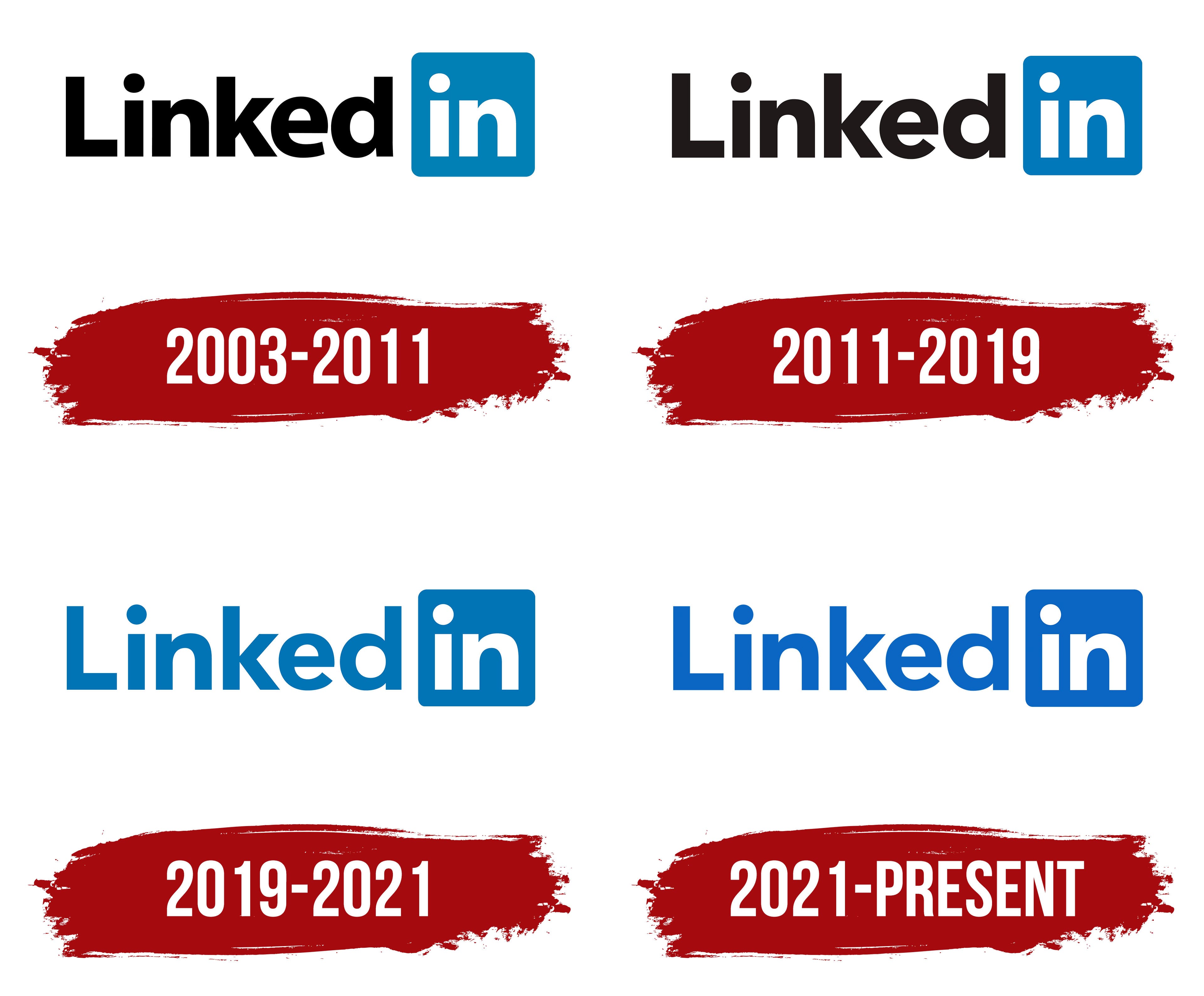
Officially, the company’s history and logo began at the end of 2002, but the service started operating in spring 2003. In the first half of 2011, it applied for an IPO and, by summer, was registered on the New York Stock Exchange. In January 2017, Microsoft purchased it. The partner platform’s key development periods are reflected in its symbolism.
The company’s emblem appeared at launch and remains contemporary. Over the years, it has changed twice, but only slightly, and still looks much like its original form. It consists of the word “Linked” and the preposition “In.” A barely noticeable space between them lets the elements seem to merge.
What is LinkedIn?
It’s a social network designed to connect the right specialists and establish business partnerships. The platform has over 500 million registered users in 200 countries worldwide, spanning 150 fields of activity.
2003 – 2011
The debut version was created in a business-style, practical, no-frills manner, immediately setting a serious tone. In the image’s first half, the word “Linked” is set in the Source Sans font: Light and Semi-bold. The letters are lowercase (except the first), black, and sans-serif. The ends of the letters “k” and “d” match the height of the dot above “i” and the capital “L.”
The “in” element is at the end. It is placed in a separate blue square with rounded corners. Unlike the rest, it is white and stands against the cobalt background. It is used as a separate emblem when it needs to fit in limited space.
2011 – 2019
After eight years, the logo’s owners decided to conduct a minor redesign. This was related to the site’s IPO registration on the New York Stock Exchange. To make the sign more readable, designers slightly elongated the letters by about 2 millimeters, so the differences are not immediately noticeable. They also worked with the letter “e,” giving it an individual look: the bottom part is slightly narrower and curved than the top.
2019 – 2021
Two years after Microsoft took over, the company received an updated logo. The changes affected the brand palette, so the sign looks monochrome yet contrasting. The designers moved the primary color to the beginning of the word, so it is now blue on a white background. The second segment, conversely, is set in white on a blue background. Thus, the new owners emphasized the service’s individuality.
2021 – today
Like the previous one, the new LinkedIn logo uses only one color instead of three. But it is a couple of shades brighter. The blue has taken on a rich, attention-grabbing cobalt hue. The inscription uses a custom font called Community.
Font and Colors
In all versions, the Source Sans font in Light and Semi-bold variations is used, indicating a professional site’s stability. Each is applied situationally, depending on the logo’s placement.
Color is the main element of visual identification. It is based on a shade of blue called LinkedIn Blue. Some believe this choice followed a trend, since Facebook began using a similar palette at the time. Another version of its origin links it to one of LinkedIn’s founders: he was a top manager at PayPal. He chose an emblem color similar to the monetary system’s.
The LinkedIn logo inscription can be made with one of two fonts: Source Sans Pro-Light or Source Sans Pro-Semibold. They look similar: sans-serif fonts with strictly geometric letterforms. Typographer Paul D. Hunt developed both fonts.
The logo’s color is LinkedIn Blue (#0077B5). It used to be paired with black, but in 2019, designers simplified the palette to the signature blue shade. White is presented as an additional color.
FAQ
What does the LinkedIn logo represent?
The logo consists of the service name divided into two segments. The last syllable is placed in a separate square with rounded corners.
What font does LinkedIn use?
Previously, the site used Helvetica (main) and Arial (additional) fonts. Now, it uses a new font called Community, with handwritten elements and rounded letters.
Can I use the LinkedIn logo on my website?
LinkedIn prohibits the use of the full logo on websites and business cards. The service allows only the icon and the last part of the name (in), separated by a square.
How do I place the LinkedIn logo on my resume?
To place the icon on your resume, log in to your account and click “Edit public profile.” Then scroll down the page and click “Create icon” on the right side of the open field.