 GIMP Logo PNG
The GIMP logo emphasizes the open and functional nature of the free graphic editor. Its graphic design emphasizes users who prefer flexibility and control in image editing.
GIMP began in autumn 1995, when Spencer Kimball and Peter Mattis, students at the University of California, Berkeley, chose an image editor for a programming course project. Commercial software such as Adobe Photoshop cost hundreds of dollars, so they created a free, open-source alternative for Unix users. The name originally meant General Image Manipulation Program. They completed early work in student dormitories without any funding.
The first public alpha appeared in January 1996 with layers, drawing tools, filters, and support for common formats. That year, Larry Ewing used it to create Tux, Linux’s penguin mascot. Because the editor initially relied on the commercial Motif toolkit, its developers built GTK, or GIMP Toolkit, which later became a major interface library and the basis of GNOME.
In 1997, Richard Stallman proposed adding the editor to the GNU Project. Its expanded name changed to GNU Image Manipulation Program, and version 1.0 followed in 1998. GIMP 2.0 arrived in 2004 with a GTK+ 2.x interface, stronger plugin support, and broader color-correction tools. However, gaps remained in color management and RAW processing.
GIMP 2.10 introduced GEGL in 2018, enabling high-bit-depth processing, broader color spaces, new filters, and improved high-resolution support. Released in March 2025, version 3.0 added non-destructive editing, GTK 3, interface scaling, and a new theme system. The program remained free for Windows and macOS and was funded through user donations.
Meaning and History
What is GIMP?
It is a free, open-source raster graphics editor. It is used for photo editing, drawing, and graphic design. GIMP supports layers, masks, filters, and artistic tools, including brushes and gradients. Users can extend their capabilities using plugins and scripts.
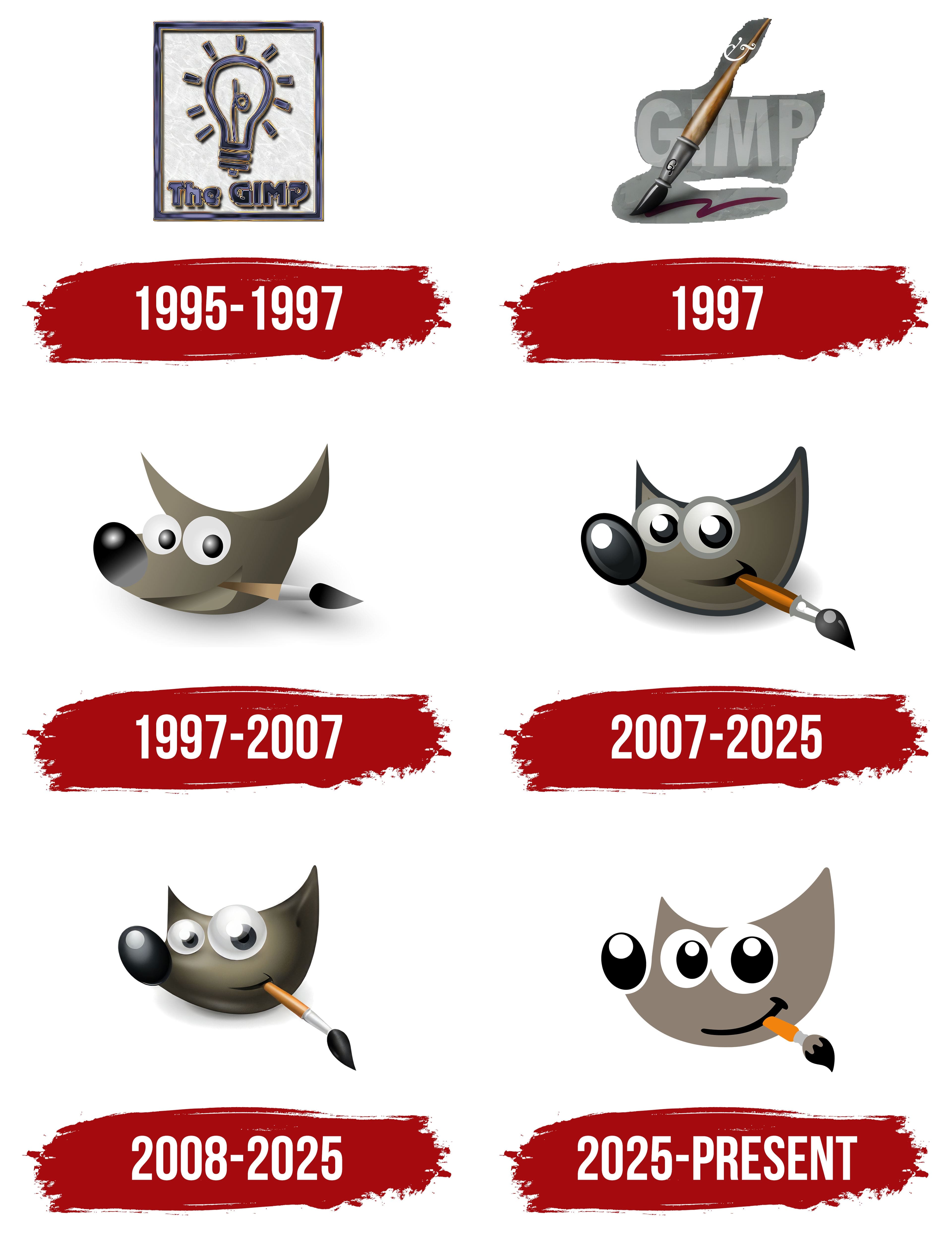
1995 – 1997
In 1995, during the refinement of versions GIMP 0.99 and 1.0, a logo was created for the program’s interface. It was embedded in dialog windows and remained there until 1997. The logo was not intended for external promotion but served as a visual marker within the editing environment, highlighting the product’s updated appearance ahead of its release.
The composition is based on a square frame with a gray-and-white marble background that imitates a stone surface. A schematic light bulb surrounded by short rays is placed in the center. The visual concept is created through thick outlines for all elements, featuring a chrome-like edging effect in blue-violet shades with golden highlights that simulate the reflective quality of metal.
The text is positioned at the bottom of the square. The inscription “The GIMP” is rendered in a large decorative typeface with rounded, slightly cartoon-like shapes. The outline and embossed internal treatment align with the bulb’s graphic style, creating a consistent visual rhythm between the symbol and wordmark. The volume is enhanced by dark shading and highlights.
The color palette combines cool blue-violet gradients with warm golden accents. At the same time, the background provides a neutral, textured surface against which vivid elements stand out. This refers to techniques popular in the mid-1990s, when raster editor filters were commonly used to simulate metal, glass, or stone textures.
The symbolism of the light bulb relates to inspiration and creativity, aligning with the theme of image-processing software. The short rays around the bulb strengthen associations with a moment of insight. The integrated arrangement of text and symbols creates a unified composition that is convenient for display within the limited interface space.
1997

In 1997, a new logo appeared in the GIMP 1.2 interface, visible only in the “About” dialog window. It presented a more object-oriented approach than the previous version and referenced traditional drawing tools.
The design centers on a large brush or pen, with a metal base and wooden handle, positioned diagonally. Semi-transparent letters spelling “GIMP” form a background effect, appearing slightly carved or rubbed away. In the lower area, the brush leaves a curved stroke, completing the implied motion and connecting foreground and background into a unified composition.
The background typography is a monumental sans-serif with even strokes and tight letter spacing. It primarily serves as a backdrop to the main object, avoiding overpowering attention while clearly forming a recognizable word through mass and placement.
The palette uses subdued gray-beige tones for the letters and background, creating gentle contrast with the natural brown-gold hues of the wooden handle and the cool metallic sheen of the tip. Realistic textures and smooth shading transitions add depth and credibility to the image.
No alternative variants have been documented, and this logo was available only as a splash screen within the program’s informational window.
1997 – 2007

The image of Wilber, which became the official symbol of GIMP, was created on September 25, 1997, by Finnish designer Tuomas Kuosmanen, known as “tigert.” The character was created using GIMP, highlighting its capabilities as a digital drawing tool. The creator described Wilber as a fictional creature without ties to any specific species. However, viewers often saw a dog, coyote, or panther in him. In an early version, his ears were slightly elongated, leading some users to see a resemblance to a cow.
The logo’s composition centers on the character’s head, with large, round eyes and a paintbrush held between its teeth. The silhouette is simple and easy to perceive, with the angled brush integrated into the lower face. The logo did not include textual typography, relying entirely on the character’s visual recognition.
The color palette features calm shades of dark brown, black, and gray, complemented by gentle gradients to create a three-dimensional effect. White accents in the eyes and highlights on the nose provide visual balance and enhance contrast. Tonal transitions are subtle, making the design adaptable for scaling and transferring to various digital media.
The character’s symbolism relates to creativity. The paintbrush in the mouth is interpreted as a sign of engagement with drawing. At the same time, the shape of the ears echoes the brush’s contours, unifying the image into a coherent visual concept. Wilber’s friendly manner and cartoon styling made the mascot suitable for a broad user audience.
Throughout the project’s development, Wilber underwent modifications with various accessories, including an artist’s hat, puzzle pieces, a book, and more. These versions were distributed through the Wilber Construction Kit, a file included in GIMP’s source code, allowing the character to be adapted for specific purposes. Wilber was used as an icon on forums and in articles about GIMP, including placements on Slashdot. He appeared on the help screen when the program first launched.
2007 – 2025

The updated Wilber image, introduced on October 24, 2007, alongside the release of GIMP 2.4, was created by designer Jakub Steiner. The primary task was to adapt the symbol to contemporary interface standards while preserving its character and identifying its role for the program. The modification did not change the image’s nature but improved its quality. Lines were reworked, the head shape refined, a soft gray outline was introduced, and the brush gained new tones and a more realistic design.
The character remained an autonomous symbol without textual support, preserving compositional integrity and flexibility for digital usage. The design features balanced facial proportions, expressive eyes, and the brush integrated into the corner of the mouth, creating a diagonal composition. The outline and shadow enhanced the figure’s separation from the background, making it suitable for display under a range of contrast conditions.
The palette shifted toward muted, warmer brown tones, complemented by metallic and wood tones in the brush. Bright accents in the eyes enhanced contrast and highlighted metallic details, creating a sense of depth.
Symbolism remained unchanged: the character holding a brush between its teeth signifies the software’s creative potential. The 2007 redesign did not alter the original concept. Still, it provided clarity and modernity to the image, enabling it to remain unchanged for over a decade, including the release of GIMP 2.6 in 2008 and the integration of the GEGL core. Despite technological changes within the product and interface adjustments, the visual image remained a stable brand identifier.
2008 – 2025

On September 30, 2008, along with the release of GIMP 2.8, an updated version of the Wilber mascot was introduced, designed by Jakub Steiner. This version replaced the previous modification, maintaining the recognizable character but shifting the emphasis toward a more expressive depiction of form and texture. The visual goal was to retain recognizability while enhancing plasticity for high-resolution displays and varied scales.
Wilber’s head silhouette softened and compacted, making the image more balanced across various interface constraints. Smooth tonal transitions created a three-dimensional effect, and shadows and highlights added depth and dimension. The eyes, while maintaining their large proportions, received more complex lighting accents, resulting in a brighter and more expressive gaze. The paintbrush held in the character’s mouth was rendered with attention to materials: a wooden handle, a metal ferrule, and dark bristles with a slight bend that gave the composition a diagonal emphasis.
The palette is built around muted gray tones for the head, complemented by the natural brown color of the brush handle and black details. Contrast is achieved through bright highlights on the eyes and nose, creating focal points. This color combination appears stable and compatible with a wide range of backgrounds, enhancing versatility.
The symbolic meaning remained unchanged: the character represents the software’s creative aspect, and the brush underscores its function as an image-editing tool. The gentle expression and cartoonish style make the logo user-friendly across all professional levels.
2025 – today

With the release of GIMP 3.0 on March 16, 2025, the project introduced a redesigned Wilber mascot, created by Aryeom Han in collaboration with the team and the active community. The new image was conceived as an adaptation of the iconic character to contemporary interface standards and aesthetics. The original concept by Tuomas Kuosmanen (tigert) was preserved in archives and remains available for use.
The redesign introduced simplified geometry and minimized detail, enhancing legibility across all media. The silhouette became cleaner, with more defined lines. Head proportions remained recognizable, while the smooth curves of the ears and facial contours emphasized the shape’s integrity. The brush in the mouth was visually shortened, its structure simplified to basic elements: an orange handle, gray ferrule, and black bristles with minimal detailing.
The eyes expanded and were stylized with contrasting black-and-white zones, giving the character’s expression a more comical, cartoonish appearance. The smile was represented by a minimalistic curve, providing a subtle emotional accent.
The color palette transitioned to a flat design, featuring a uniform warm gray for the head, black details for the nose, eyes, and brush bristles, plus a bright orange accent for the brush handle. Removing complex shadows and highlights improved graphic clarity and enhanced scalability from small icons to full-size displays.
Within the community, the redesign received a mixed response. Some users noted the character’s stronger comedic tone and a departure from expectations of strict minimalism. However, the final choice favored Aryeom Han’s version, which preserved emotional expressiveness and maintained alignment with GIMP’s visual identity. The new design appeared on splash screens, welcome dialogs, and key interface elements starting with GIMP 3.0 and has since become the program’s current symbol.