


 Microsoft Access Logo PNG
The Microsoft Access logo reflects the program’s purpose for managing and structuring databases. The simplicity and restraint in design indicate the application’s functional nature, with a focus on solving practical business tasks.
Access originated in the late 1980s, when Microsoft began developing a desktop database system for Windows. The first project, codenamed Omega, was abandoned after technical problems, but work continued. Access 1.0 appeared in November 1992 for version 3.0 of the operating system, competing with dBASE and Borland’s Paradox. It offered visual tools for building databases, forms, and reports.
The product sold several hundred thousand copies within months. Access 2.0 followed in 1994 with performance improvements and the NorthWind Trader sample database, later used in training materials. Access 7.0 joined Microsoft Office 95 and improved data exchange with Word and Excel. Access 97 added Internet support and more wizards for constructing forms, queries, and reports.
The 2007 release replaced traditional menus with the ribbon interface used across the office suite. The change aligned Access with other applications in the package. Access 2010 introduced web databases connected to SharePoint, allowing users to publish database applications for browser access and shared teamwork.
In 2013, the web architecture moved from platform lists to SQL Server, providing a different foundation for business applications. Later releases expanded support for cloud connections and newer data formats. Access remained available through Microsoft 365 as its role shifted toward local databases and smaller business projects. At the same time, specialized platforms gained ground in larger organizations.
Meaning and History
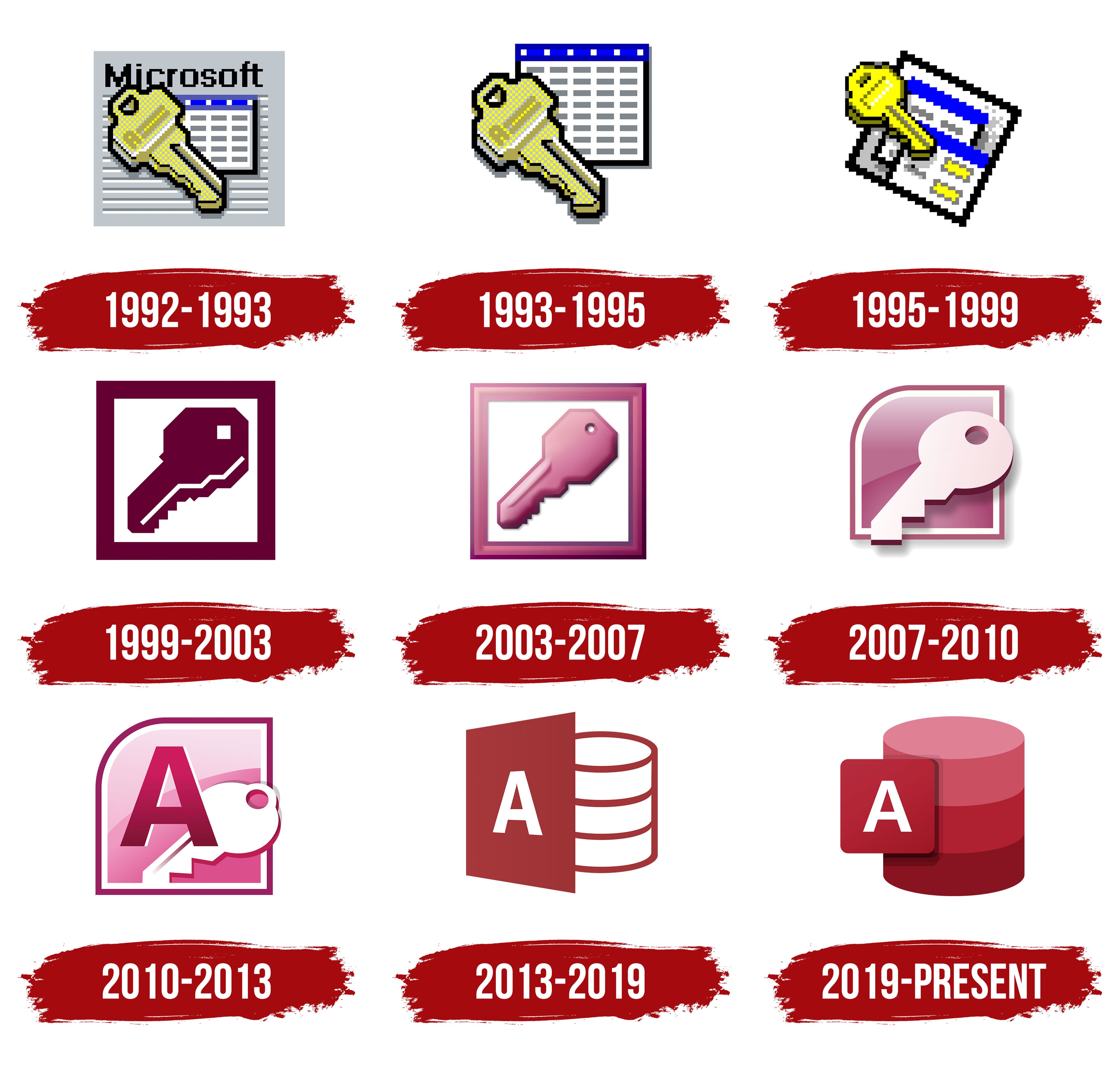
What is Microsoft Access?
It is an application for creating databases and desktop apps without coding skills. Users design forms, reports, and queries using a convenient visual editor. The solution targets small, locally stored databases when simple tables are insufficient. It is popular with small businesses managing inventories and customer databases.
1992 – 1993

The creation of a separate visual symbol coincided with the introduction of Microsoft Access in the early 1990s. Its debut was the release of version 1.0, officially presented on November 13, 1992. That was when the public first saw the Microsoft Access emblem, intended to explain the program’s purpose and emphasize its distinction from competitors in the database management systems segment.
The composition was based on three elements of different natures. A gray rectangle served as the background, carrying the black inscription “Microsoft” placed at the top. In the foreground stood a large yellow key. The key’s surface was not empty; it bore the letter “A,” which referred to the name “Access.” The structure was outlined in a schematic table composed of horizontal lines in white and blue shades. The combination of components created a metaphor: the key grants access, the table represents structured data, and the font and geometry follow the Windows standardization principle.
The font was set in a sans-serif grotesque. Its character was neutral and universal, consistent with the visual language of early-1990s interfaces, where the principles of unification and technical functionality prevailed.
The color palette had a rigid distribution of roles: gray served as the base, white and blue evoked a system table, and yellow provided contrast and visual emphasis. As a result, the composition’s hierarchy made the key the primary carrier of meaning.
At that time, the software product was not limited to a standard set of functions. In the “About” section, a hidden animation was present. The user could shoot at two ducks, a reference to competitor Paradox. The phrase “pair o’ ducks” sounded like an ironic remark aimed at the rival, highlighting that Access had established itself more successfully in the market.
1993 – 1995

The redesign of the Microsoft Access logo occurred in May 1993, coinciding with the release of version 2.0, which was integrated into Office 4.3. The update was a logical continuation of the first variant and reflected the company’s effort to simplify the perception of interface symbols. Unlike the debut emblem, which featured the word “Microsoft” as a heading, the new emblem stood alone without accompanying text and appeared more compact.
The composition was built around two elements: the table and the yellow key. The table form consisted of white cells and a blue horizontal stripe in the upper area. In the foreground was a key of golden shade.
The key retained its recognizable color, but its silhouette became more precise: the contours were neater, and the letter “A” on the head became more expressive and better associated with the product’s name.
1995 – 1999

The release of Windows 95 gave momentum to the renewal of the Office suite, and Access 95 became the first 32-bit version of the program. In 1995, a new symbol was introduced that departed from previous solutions and was better integrated into the environment’s visual language.
The key symbol was preserved but changed its nature: it acquired a saturated yellow-golden shade, brighter than in previous versions. The letter “A” disappeared from the composition, leaving the key form as the sole sign of access. Thus, the emblem relied not on a letter mark but on a universal image that was easily understood in the context of database work.
The background was no longer limited to one table. Instead, two sheets of different sizes appeared, adding depth and giving the composition a sense of layering. White cells continued to form the structural basis, the blue stripe at the top was retained, and yellow details were added to create balance and reinforce interaction with the key.
The key still addressed the theme of managing and controlling information, while the table sheets emphasized the function of storing and organizing data. Unlike earlier versions, where the key dominated over the table, the new version offered a more balanced integration of elements, reflecting Microsoft’s transition to a new visual culture of Office.
1999 – 2003

Access 2000 marked a turning point in the program’s visual identity: for the first time in many years, the company abandoned the familiar duo of yellow key and table. Instead, the audience saw an updated symbol prepared specifically for the launch of the version within Office at the end of the 1990s.
The emblem presented a large key placed diagonally. Its contour was executed in a deep burgundy color, distinguishing it from the previous golden tone. The composition was built around a square: inside was a white field, along the edges a wide burgundy frame, and at the center was the key.
Unlike earlier versions, where the letter “A” acted as a typographic mark, the emphasis has now shifted to the silhouette. This aligned with the idea of unifying Office icons, which were increasingly perceived as interface pictograms.
Gold disappeared along with associations of lightness and playful expression. Its place was taken by burgundy, a saturated, heavy shade that leans toward a business aesthetic. The white field enhanced the contrast and highlighted the key’s silhouette, while the frame completed the composition, giving it strict contours.
2003 – 2007

The Office 2003 update introduced a new visual concept for Access, and the new emblem was unveiled at the end of November that year. Unlike the previous, strict, flat-style icons, the design evolved into a more volumetric style, adopting the aesthetics of the Windows XP interface.
The key inside the square retained its usual position, but its presentation changed. Instead of a conventional pixel-like form, it adopted smooth gradients and a slight relief, creating the impression of a three-dimensional object. The composition was still built around a white background and a wide frame, only now the frame was colored in a light pink-burgundy tone.
The key became saturated pink with burgundy highlights, adding depth and creating a visual glare on the surface.
The key signifies access, control, and data management. The shift in the color code and the transition to gradients added a new mood, moving from dry conventionality to a more realistic, almost tangible perception.
2007 – 2010

The major update of Office 2007 introduced the new Fluent interface, featuring the Ribbon, and a change in the visual style of application icons. Access received a redesigned emblem adapted to the new system.
The basis of the Microsoft Access emblem was a pink-burgundy square with a rounded top left corner. Inside was a key, which now looked more plastic. Its shape was softened, the lines became rounded, and the sense of volume was achieved through a soft shadow and gradient coloring.
The palette shifted toward lighter shades of pink in the key itself and a saturated burgundy in the background. The contrast between them enhanced depth and created visual relief. Unlike the flat design of the previous generation, the new version featured glossy interface elements reminiscent of the mid-2000s.
The emblem reflected the general Microsoft trend of the early decade: a transition from conventional pictograms to more realistic, tactile images. The key continued to serve as a symbol of access, while the combination of the rounded square and soft highlights linked it to the Windows XP “Luna” style, which set the direction toward smoothness and volume.
2010 – 2013

Access 2010 entered the application line with an updated emblem designed in the Office 2010 style. The visual concept was based on a square with a rounded top corner, filled with a pink-periwinkle color. In the background, two main elements were placed: a massive letter “A” in a muted purple shade and a simplified white key. The letter “A” was the first to appear on the logo. This emphasized its connection to a database product and gave it a recognizable accent in the Office icon system.
The construction was based on the balance of the large letter and the secondary symbol placed behind it. The contour of the key, with soft shadows and a smooth gradient, created the illusion of light relief, consistent with the design practices of the early decade, when interfaces tended toward three-dimensionality and depth effects.
The typographic part was reduced to a single letter “A.” Its bold strokes enhanced the emblem’s dominance and linked the icon to the overall Access identity.
The color scheme was based on a transition from light pink shades to a burgundy accent. Such a palette aligned with Microsoft’s policy of creating bright, easily distinguishable icons for the Office 2010 suite.
2013 – 2019

In 2013, Microsoft revised the image of Access and, for the first time, abandoned the key, which had been part of the emblem for many years. The new focus shifted to the symbolism of storing structured data, emphasizing the program’s relational nature. This coincided with the spread of the Metro/Modern UI aesthetic, characterized by simple geometries and clear functionality.
The emblem was built on a tilted rectangular block in dark burgundy. Inside was a large white letter “A,” and next to it a cylindrical element divided into three segments by horizontal burgundy lines. The visual image was interpreted as a conventional database symbol, familiar to users of information systems. The balance between flat geometry and the rhythm of the segments created a recognizable composition close to the minimalism of the early decade.
The typographic part was limited to a single letter. It was done in a bold sans-serif with geometric proportions. Although the font family was not officially named, its style resembled Segoe UI, which Microsoft used in Modern UI and other Office products starting in 2012.
The color palette was based on a saturated burgundy background and white elements. The contrast ensured readability and created a perceptual hierarchy, with the letter in the foreground and the cylindrical object in the background.
The key, as a metaphor for access, was left behind, replaced by the image of a stack associated with databases. For the audience, this meant shifting the focus to the product’s essence: storing and managing relational structures.
2019 – today

A turning point occurred with Microsoft’s November 2018 announcement of the transition to Fluent Design, marking the complete abandonment of the former Metro style. In this context, Access received an updated emblem, first shown in the spring of 2019, together with the Microsoft 365 suite. Since then, the Microsoft Access logo has remained unchanged and accompanies Access 2019, Access 2021, Access 2024, and the mobile and web versions of the program.
The composition is built on the interaction of two figures. On the left is a compact dark burgundy square with a white letter “A.” Next to it is a cylinder composed of three horizontal segments. Each level is colored in its own shade of red, while soft shadows and smooth transitions add volume and convey a layered structure. Compared with the 2013 version, the square became smaller, while the cylinder gained more importance in the composition.
The typographic part is limited to a single letter. The geometric sans serif used in the emblem, with its plasticity and proportions, is similar to Segoe UI Variable, which Microsoft utilizes in the Fluent Design ecosystem.
The color palette is based on the combination of the burgundy square and three shades of red in the cylinder segments. The contrast with the white elements creates a perceptual hierarchy, highlighting the letter “A.” The use of gradients enhances the embossing effect while maintaining stylistic consistency with other Microsoft 365 products.